Modern ELD platform for smarter fleet management

Manage your entire fleet with one comprehensive platform
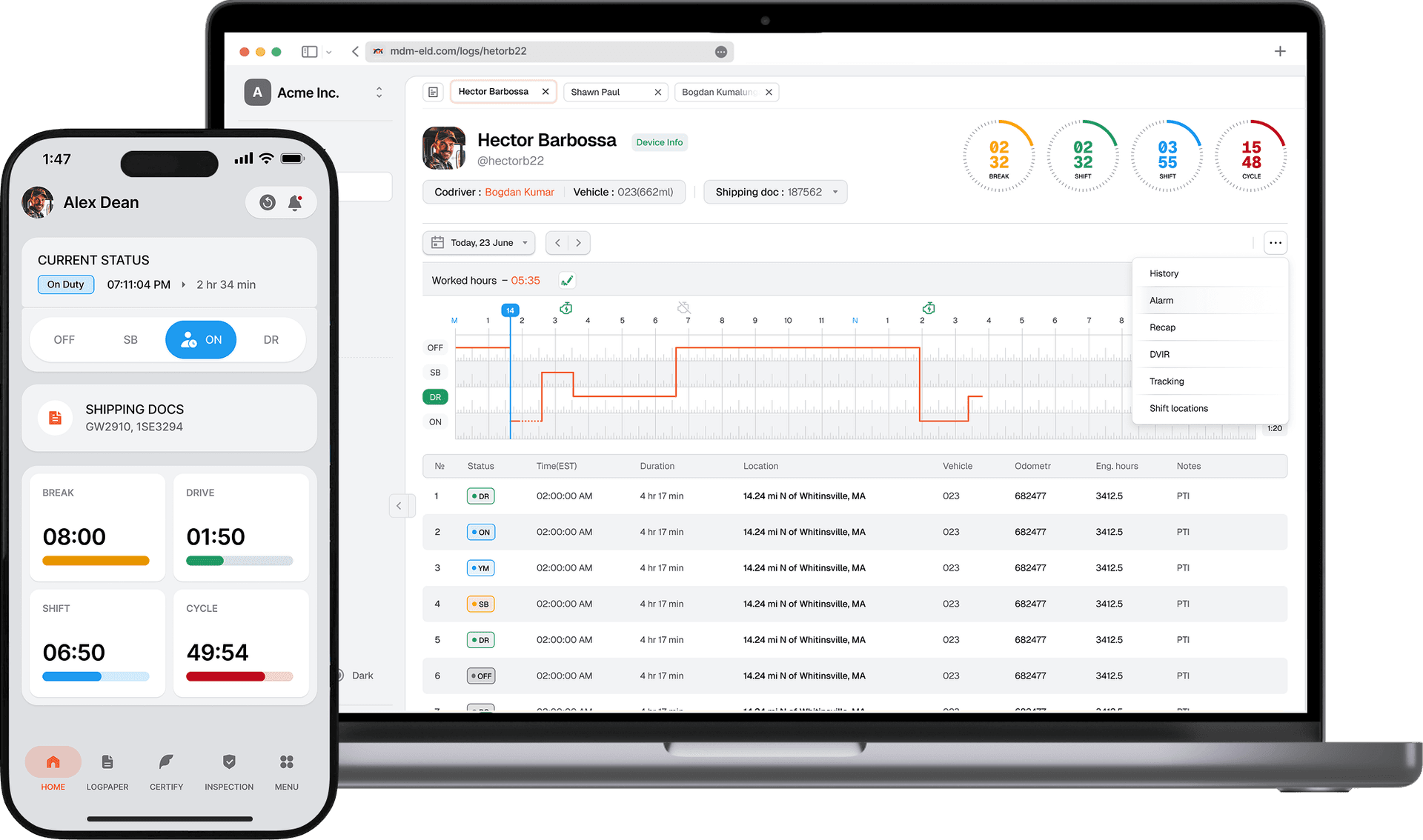
MDM ELD Dashboard

Trusted logistics and freight-tech companies

HighwayMacropointProject44Trucker CloudTrucker Tool

Why Our Platform

Automated ELD Compliance

Stay FMCSA compliant with automatic HOS tracking and digital logs.

Flexible for Every Fleet

Our platform grows with your fleet, adapting to your workflows at every stage.

Easy Driver Experience

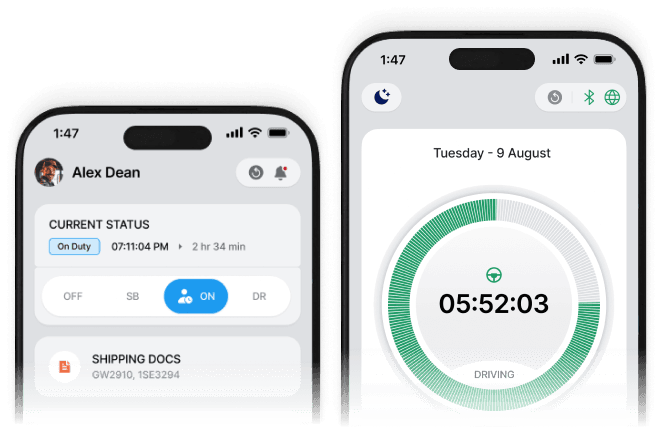
Simple mobile app for managing logs, inspections, and duty status.
ELD Dashboard

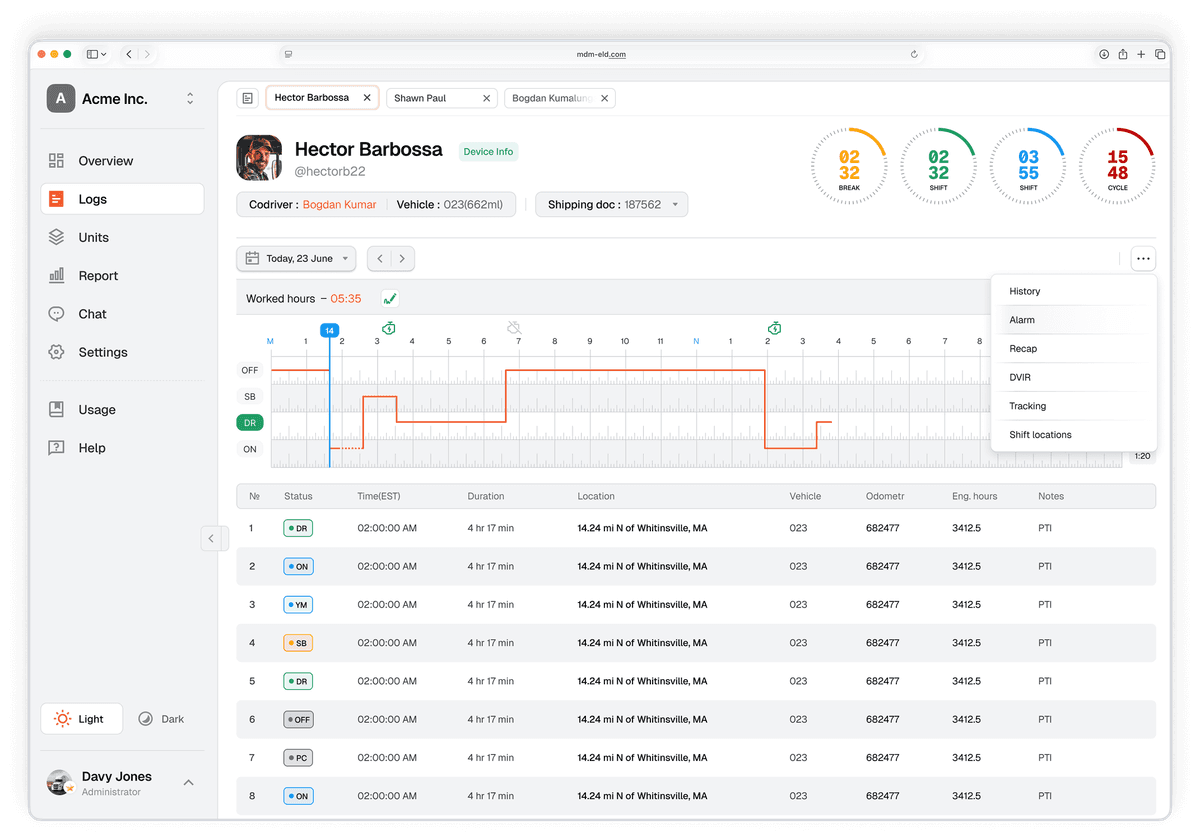
ELD Dashboard
ELD Compliance
Automated HOS logging and inspection-ready driver logs with one-tap audit mode.
Fleet GPS Tracking
Live vehicle positions, route playback, and geofence alerts on an interactive map.
Reporting
Compliance summaries, IFTA reports, and operational analytics in one place.

Driver's Mobile App

Driver's mobile app
Compliance
Fully FMCSA compliant to pass your roadside inspections.
Maintain and audit records
Monitor and maintain your records and exercise e-log flexibility.
Themes
Switch between Light and Dark mode for better visibility on the road..

ELD Device

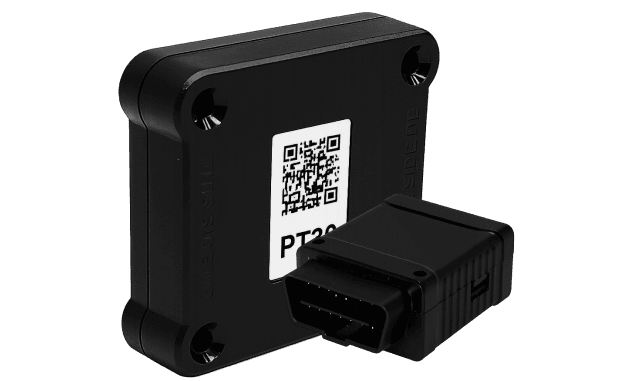
ELD Dashboard
Real-time tracking
Live vehicle positions, route playback, and geofence alerts on an interactive map.
Safety & efficiency
Helps reduce paperwork, monitor driver behavior, and optimize fleet operations.

Plans for every stage


Starter
$30/ mo.
Talk to sales
FMCSA-registered ELD
Hours of Service logging
Real-time GPS tracking
Fleet dashboard & reports
15 Day Free Trial
Professional
$50/ mo.
Talk to sales
FMCSA compliant ELD logging
Driver mobile app (iOS & Android)
Real-time GPS tracking
Driver HOS tracking
Fleet dashboard & reports
API access / integrations
24/7 basic support
15 Day Free Trial

Guides & Resources

User Manual
Everything you need to know—from first setup to daily performance.
Download
Inspection Guide
Essential instructions for handling roadside inspections and displaying your ELD records.
Download
ELD Certificate
Essential instructions for handling roadside inspections and displaying your ELD records.
Download

Common questions and answers

How can I create an account?
Visit our website and click "Get started". Fill in your company details and email address, then follow the verification steps. Your account will be ready in minutes.
How to create a new company?
After logging in, go to Settings → Company and click "Create Company". Enter your DOT number, company name, and address. Save to complete setup.
How to create a new driver and vehicle?
Select the Add Driver button to create a new driver profile. Set up the driver's username and password so they can access the driver mobile app. Click Save to create the driver account. The driver can now log in to the mobile app and start using the ELD system.
How to complete login process as a driver?
Open the mobile app and enter your username and password provided by your fleet manager. Select your vehicle from the list and tap "Start Driving" to begin logging.
How to switch to codriver on mobile app?
In the driver app, tap the menu icon, select "Co-Driver", and enter the co-driver's credentials. Both drivers will share the same vehicle log for that session.
How to fill shipping documents and trailer number?
From the main screen, tap "Documents" and select the relevant shipment. Enter the bill of lading number, trailer number, and any additional shipping info. Tap Save to attach it to your HOS log.

Ready to level up your business?

Get in touch

Reach out for sales, support, or partnerships. We respond quickly.

Email
infomdmeld@gmail.com
Phone
+1 (872) 369-0966